Arches Controlled Lists (App)#
Arches Controlled Lists is an Arches extension application designed to manage controlled lists and reference data within the Arches platform. It is meant to update, improve upon, and replace the functionality of the Reference Data Manager (RDM) (the RDM is slated for deprecation with the upcoming release of Arches version 9, see the Arches Roadmap).
Arches Controlled Lists can be installed as a component of an Arches instance that runs on core Arches version 8 and higher.
Arches Controlled Lists Uses#
Arches Controlled Lists provides a set of tools for managing controlled lists within the Arches framework for use as dropdowns in forms and other UI components.
Controlled Lists can be loaded from Arches Lingo data or any other data authority capable of providing SKOS RDF formatted data.
The Controlled List Manager is included as a UI for creating, editing, and managing controlled lists and their items.
Data can be repeatedly updated via import in order to keep it current and in sync with the source of truth.
Controlled Lists can also be created by an end user for managing simple domain lists locally.
Controlled Lists can be hierarchical allowing for the representation of concept hierarchies or other hierarchical structures.
Controlled list items support localization and alternate labels, as well as notes and images.
Controlled list items are identified by a URI, allowing them to be canonically defined in any external system that provides linked data.
Arches Controlled Lists includes a new data type called the “Reference” data type, which allows for the creation of references to controlled list items within the Arches framework.
Arches Controlled Lists can also be made “searchable”, which allows for searching for references in Arches data based on the hierarchical relationships defined in controlled lists.
Arches Lingo uses the Controlled List Manager and the Reference data type, for example, to manage references to concepts managed externally such as SKOS concepts.
Arches Controlled Lists is a key component in enabling the use of Arches Lingo data across projects. For example, the FISH Thesauri can be maintained in one Arches instance and then referenced in any Arches for HER deployment.
Arches Controlled Lists User Interface (UI)#
The Arches Controlled Lists user interface is accessible to authorized users via the menu icons on the far left. List items are organized in a hierarchy of lists. In the example below, the list item for grams is contained in the parent Dimension Types - Physical Units list.
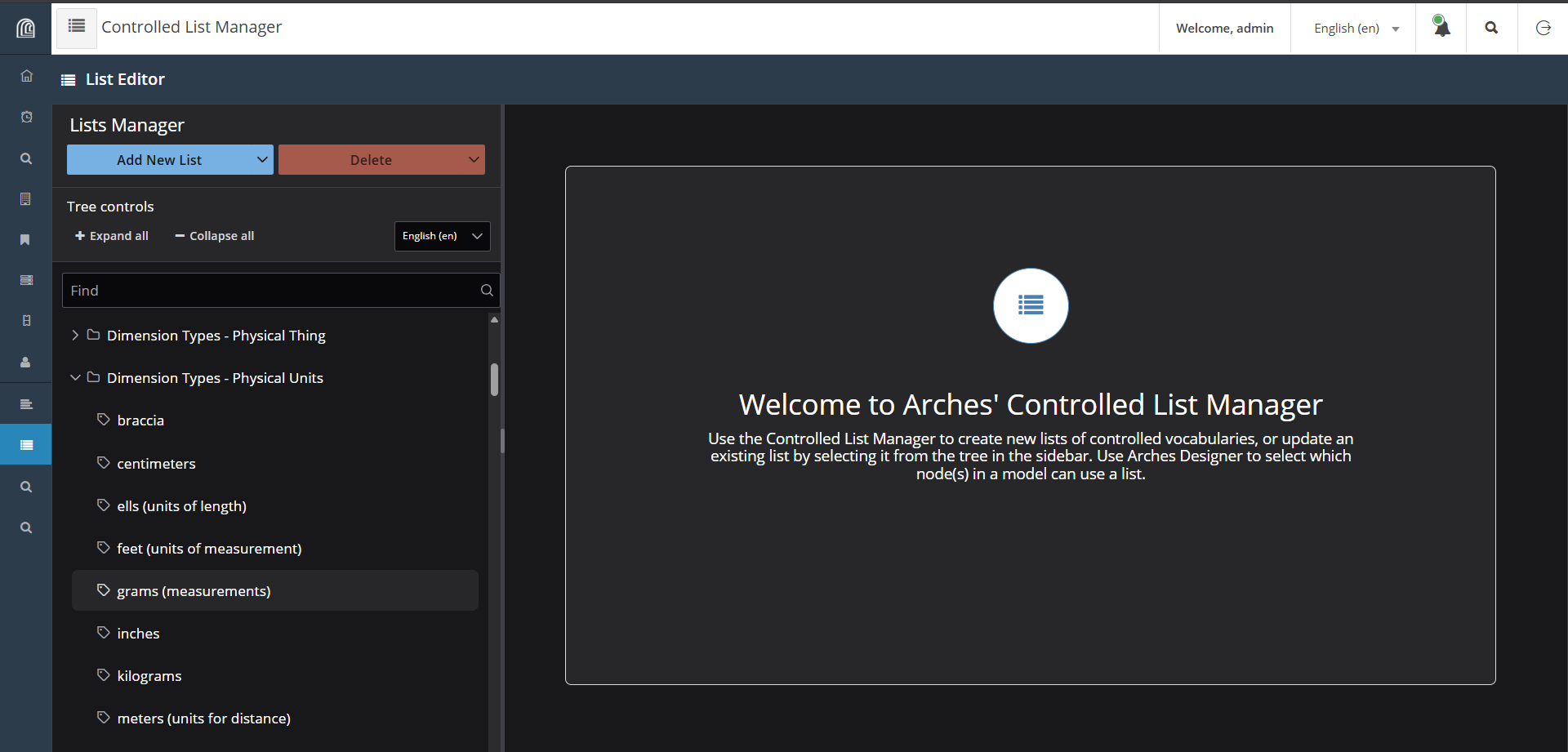
Screenshot of the Arches Controlled Lists user interface#
If one clicks on a given list, the Arches Controlled Lists user interface displays the nodes that make use of the selected list. See the screenshot below.
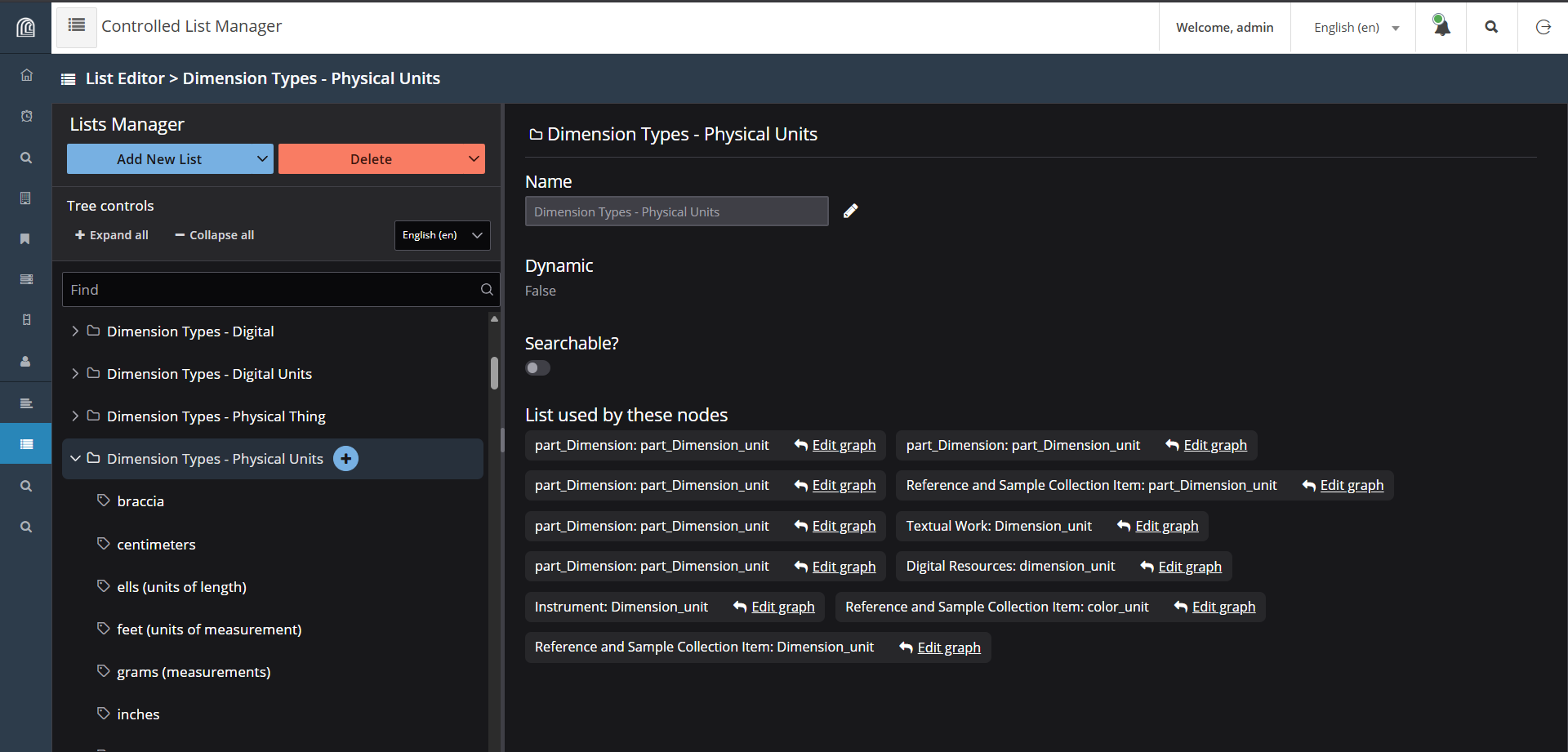
Nodes that use the Dimension Types - Physical Units list#
Note: Additional user interface guidance is forthcoming.
Installing Arches Controlled Lists#
The Arches Controlled Lists extension application needs to be installed in the Python virtual environment of your Arches instance. Once installed, you will need to edit your Arches instance’s settings.py and other files.
The complete installation instructions can be found here: Arches Controlled Lists (Pypi). The source code repository and issue tracking is available here: Arches Controlled Lists source code